
How to Migrate a Site to Framer Without Losing SEO
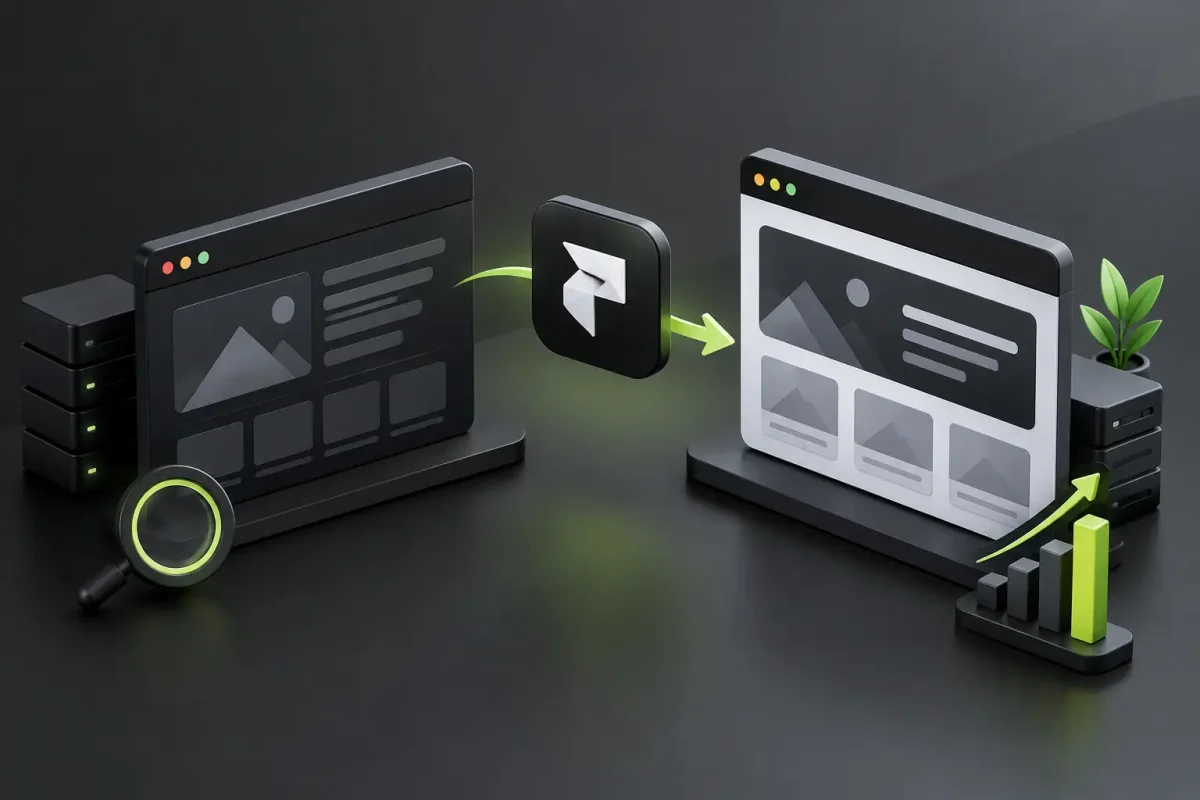
If your site is slow, hard to edit, or looks dated, moving it to Framer can fix a lot. But a sloppy migration can also wipe out, in a week, traffic that took years to build. What matters most isn't the new design. It's making sure the traffic, links, and forms that work today still work the day after launch.
Framer is a good fit for brands that want a fast, well-designed site their team can update without asking a developer for every change. The risk is in the details: URLs that change without a redirect, pages that ranked and then vanish, or a form that stops sending without anyone noticing.
Before You Migrate, Decide What Needs to Get Better
Migrating isn't copying your current site piece by piece. It's the moment to decide which content still pulls its weight, what needs rewriting, and what can go.
Start with the pages that get organic traffic, bring in inquiries or bookings, or have links from other sites. Those need the most care. Also list your forms, integrations, downloadable files, campaign pages, and any URLs you use in paid ads.
The inventory should answer business questions, not just technical ones. Which page explains what you sell best? Where do people drop off? Which services have the most potential? What questions from your customers could you answer with content, both on Google and in AI assistants? With those answers, the new site can have fewer pages and sell better.
When Framer Isn't Enough
Framer works very well for corporate sites, portfolios, service pages, launches, and personal brands. Its editor and CMS let your team change copy, images, and collections without touching code.
If the project depends on user accounts with complex logic, large catalogs with special rules, a heavily customized online store, or deep enterprise integrations, take time to evaluate it. Sometimes the right call is to keep an external tool for that one function, and sometimes another platform is a better fit. If you're torn between two options, read this Framer vs Webflow comparison before you decide.
How to Migrate a Site to Framer, Step by Step
1. Plan the New Architecture Before You Build
The most common mistake is opening Framer and starting to rebuild sections. First, map the new site: main pages, menu hierarchy, paths to conversion, and content structure. A clear site architecture helps people find what they're looking for and helps Google understand how your pages relate.
Don't copy a bloated menu just because the old site had one. If five services are easier to explain from a single well-organized page, go for it. What you can't skip is a plan for every old URL: if a page goes away, it has to redirect to its closest equivalent.
2. Protect SEO in Your Content and Your URLs
A new design doesn't replace an SEO strategy. Every important page needs a clear job: present a service, capture an inquiry, answer a question, or show expertise. Keep the topics that already rank, and use the move to improve titles, headings, copy, images, and calls to action.
URLs should be short, readable, and consistent. If you're changing them to tidy up the site, build a table with every old path and its new one. 301 redirects tell Google the content moved permanently and help keep the authority you've built. Never send everything to the homepage: it confuses visitors and search engines alike.
Also review SEO titles, meta descriptions, image alt text, canonical tags, and structured data where it applies. For a service business, specific, clear copy about what you do is worth more than repeating keywords.
3. Rebuild With Speed in Mind
Framer lets you build interfaces with lots of motion without slowing the site down, as long as you use it with judgment. Use animation to guide attention or signal hierarchy. If every block moves on scroll, it impresses for a few seconds and then gets tiring.
Optimize your images before uploading them and use lightweight formats like WebP. A heavy background video or huge galleries hurt most on mobile, which is where a lot of visits start.
A migration is also a good time to improve accessibility: solid contrast, readable type, headings in order, buttons that say what they do, and navigation that works with a keyboard. Those same choices usually clean up the design and help conversion too.
4. Set Up Conversions and Integrations From Day One
A good-looking site that doesn't track inquiries is an expensive shop window. Before you publish, decide what counts as a conversion (a form submission, a booking, a click to WhatsApp, a call) and set up tracking so you know which pages and channels drive them.
Test every form with real data. Make sure the message reaches the right inbox, the auto-reply goes out if you use one, and someone on the team picks it up quickly. A migration can be technically flawless and still lose customers if a form stops sending notifications on launch day.
If you use analytics, ad pixels, a booking calendar, or automations, connect them deliberately. Don't install scripts out of habit: each one adds weight, possible privacy risks, and one more dependency.
5. Check Everything Before You Point the Domain
Before switching the domain, go through the whole site on desktop, tablet, and mobile, the way a customer would, not the way the person who built it would. Ideally, someone from design, content, SEO, and the business side each takes a pass.
This short checklist prevents the most expensive mistakes:
- Every important page loads and shows the right content.
- Internal links, buttons, forms, and downloads work.
- Each redirect lands on the equivalent page, with no redirect chains.
- Metadata and indexing settings are ready for production.
- On mobile, the site loads fast and the calls to action are visible.
Also check your legal pages, the 404 page, and the favicon. They're small details, but people notice when they're missing.
Launch Day: Publish With a Plan
Schedule the DNS change for a time when the team can keep an eye on the site. If your provider allows it, lower the TTL a few days ahead, keep access to the old platform until you've confirmed everything works, and have your redirects ready before you publish.
After launch, test critical paths, forms, and conversion events again. Over the following weeks, check Google Search Console for crawl errors, pages not found, and any drop in traffic. It's normal for Google to take a little while to process the new structure; what matters is catching serious problems early.
Success isn't the new site being live. Measure it by traffic quality, the inquiries coming in, speed, and how easy it is for your team to update.
When to Work With a Specialized Team
If your site has only a few pages, doesn't rely on organic traffic, and has no sensitive integrations, you can migrate it yourself. But if it brings in leads, gets meaningful organic traffic, or represents an established brand, improvising can get expensive.
At Flow, we handle migrations to Framer, Webflow, and Astro with the redirect map, design, and SEO optimization sorted out before launch, and we leave the site ready for your team to manage.
Before you move a single URL, decide what you want the new site to achieve in the next six months. That answer should guide every design, content, and technology decision.
Thinking about moving your site to Framer? Book a 30-minute call and we'll go over which pages and URLs need protecting.