No plugins, no headaches
We migrate your website from WordPress to Webflow and eliminate plugin dependencies while preserving your search rankings. WordPress-to-Webflow migration in San José is one of our most frequent projects.

We migrate to Webflow, Framer, or Astro without losing SEO. 301 redirects, mapped URLs, and a faster, easier-to-manage website.
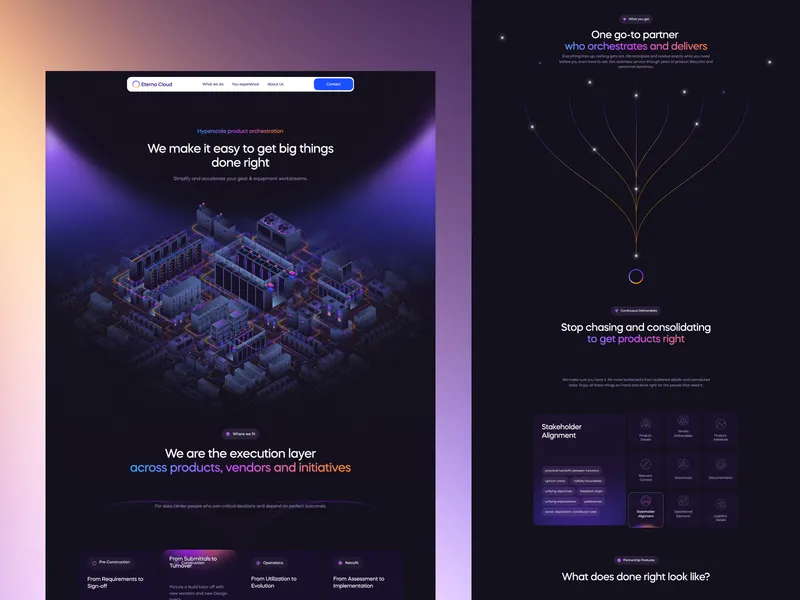

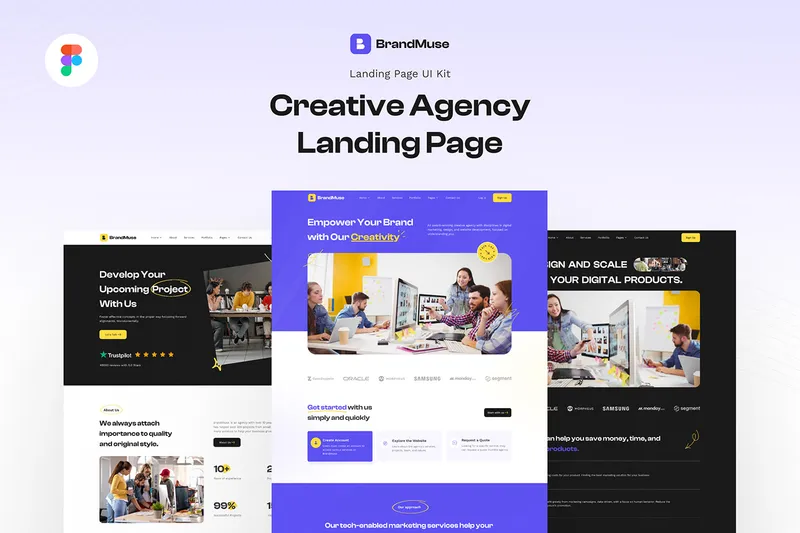
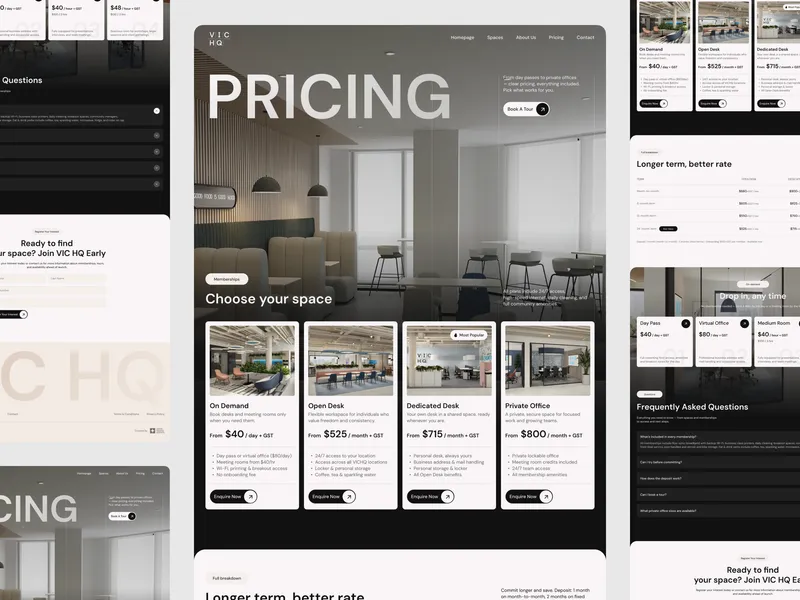
We designed an agile process that moves you from the limits of your current platform to marketing independence without losing SEO. These are the stages:
What happens
We audit your current website's architecture, content structure, SEO elements, and integrations. We create a migration plan that maps the optimal structure in Webflow, Framer, or Astro.
What you get
A complete website audit, migration roadmap, SEO strategy, and timeline confirmation.
What happens
We set up the project, develop the component library, and implement the CMS structure. We build the scalable foundations of your new website and configure the necessary SEO elements and URL structures.
What you get
Project setup, component system, CMS architecture, and URL mapping strategy.
What happens
We migrate content systematically, recreate layouts, and implement interactions. Every page is rebuilt with performance optimization while keeping your brand identity.
What you get
Complete page builds, content migration, interaction implementation, and initial performance testing.
What happens
Comprehensive QA testing, 301 redirect implementation, final SEO optimization, and going live. We train your marketing team and monitor the website after launch.
What you get
A live website launch, active 301 redirects, team training, and performance monitoring.
The right stack removes bottlenecks and gives your team the freedom to move fast.
Main platform for visual, scalable websites.
Modern alternative for fast, dynamic websites.
Framework for ultra-fast, optimized websites.
SEO and backlink analysis.
Web analytics for traffic and behavior.
Collaborative tool for designing and prototyping UI/UX.
Drag to explore
Full design and development services for your growth.
Not if the migration follows best practices. Our process uses 301 redirects, preserves metadata, and maps every URL to protect your rankings throughout the migration.
Traffic may fluctuate slightly at first, but rankings usually stabilize within a few weeks. On larger or more complex migrations, full recovery can take longer depending on the strength of your SEO.
We work with an agile approach. Small websites migrate in a few weeks; larger projects with custom functionality take longer. We define a clear timeline in the audit phase.
Yes. We cover WordPress, legacy HTML and CSS, Squarespace, Wix, and many other platforms, moving to Webflow, Framer, or Astro depending on what best fits your project.
Yes. We audit and rebuild CRM, analytics, forms, and third-party tool integrations so your website keeps running without interruptions.
Yes. Submitting your XML sitemap, along with the redirects, helps search engines discover and index your new pages faster — something key for migration SEO.
Every migration includes training for your marketing team, post-launch support, and performance monitoring to ensure your new website keeps performing at its best.
A solid team behind you for the artificial intelligence shift.