
Webflow vs WordPress: which one serves you better
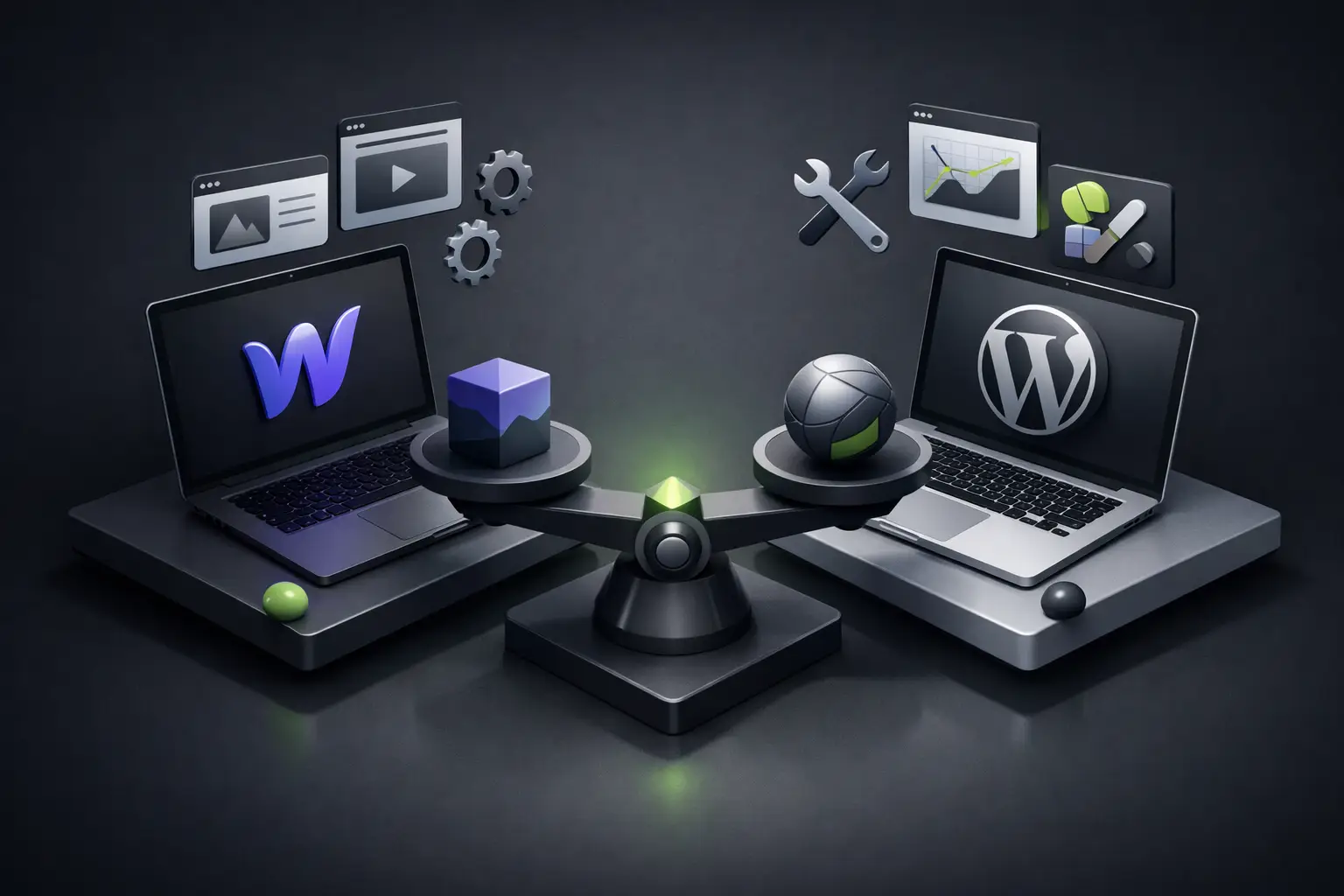
If your company needs to launch a serious site in weeks, not months, the webflow vs wordpress discussion stops being technical and becomes commercial. The platform you choose affects your time to market, your search rankings, your security, the ease of updating content, and even how much you depend on third parties to make simple changes.
The real comparison isn't which platform "wins" in the abstract. The useful question is which one gives you more control, better performance, and less friction based on the type of business you're building. For a brand that wants to look premium, load fast, and turn visits into opportunities, that difference matters quite a bit.
Webflow vs WordPress: the fundamental difference
WordPress was born as a content management system and then grew into the most widely used CMS on the market. Its greatest strength lies in its ecosystem: thousands of themes, plugins, and developers available. That gives it flexibility, but it also opens the door to bloated sites, technical dependencies, and more points of failure.
Webflow, on the other hand, was designed to unite visual design, web development, and CMS in a single platform. That means many things that require plugins or manual tweaks in WordPress come built-in with Webflow from the ground up. The result is usually a cleaner workflow for teams that want to move fast without sacrificing visual quality.
It's not just a difference in interface. It's a difference in philosophy. WordPress allows almost anything, but often through external pieces. Webflow limits some very specific advanced functions, but offers a much more controlled, consistent, and predictable environment.
Design and visual experience
This is where Webflow usually has a clear advantage. If your brand needs a custom site with elegant animations, careful visual structure, and a modern experience, Webflow gives you fine-grained control without falling into technical chaos. Design doesn't depend on forcing a template until it "sort of" looks like what you want.
Very good sites can also be built in WordPress, but the path depends heavily on the theme, the page builder, and who configures it. In many cases, what seems like a quick solution ends up tying the project to a template with visual limits or builders that add unnecessary weight.
For brands competing on perception, trust, and differentiation, that matters. A generic site feels generic. And when the site is the first impression, that signal affects conversions.
Development speed and maintenance
If the goal is to launch quickly with a well-made site, Webflow usually offers an operational advantage. The design and development process happens within the same environment, which reduces rework and eliminates several layers of configuration. That allows you to build with more agility and with fewer surprises during launch.
WordPress can be fast when using a pre-built template and the scope is simple. But in custom projects, time starts to grow with each plugin, server adjustment, compatibility validation, and additional technical detail. What seemed flexible becomes a chain of revisions.
After launch, the difference continues. In WordPress you have to monitor plugin updates, themes, core versions, and possible conflicts between components. In Webflow, technical maintenance is much lighter because the platform controls much of the ecosystem.
For companies that don't want to turn their web into another operational problem, that peace of mind is worth quite a bit.
SEO in Webflow vs WordPress
When talking about webflow vs wordpress, many people assume WordPress wins on SEO because of the quantity of plugins. Not always. Having more tools doesn't mean better results.
WordPress offers powerful optimization plugins, but it also depends more on good configuration. If the site is poorly built, if the theme generates heavy code, or if plugins compete with each other, SEO gets complicated. You can do it very well, yes, but it requires technical judgment and constant control.
Webflow starts with a practical advantage: it generates cleaner code, allows you to edit metadata easily, creates organized structures, and usually offers better technical performance right from the start. For businesses that need visibility without getting tangled up in an extra layer of plugins, that simplifies the work a lot.
Now, no platform positions itself alone. Real SEO depends on architecture, content, search intent, speed, brand authority, and user experience. The platform helps or hinders. It doesn't replace strategy.
If your company is aiming to grow in search engines, including environments influenced by artificial intelligence, it's worth prioritizing structural clarity, speed, and a solid technical foundation. In that, Webflow is usually better prepared from day one.
Security and stability
This point often decides more than it seems. WordPress is popular, and that popularity makes it a frequent target. The problem isn't the CMS itself, but the quantity of poorly maintained installations, vulnerable plugins, and careless configurations.
With WordPress, security depends a lot on how the site is built and managed. If done well, it can be secure. But it demands discipline. You have to update, monitor, and review.
Webflow offers a more closed and controlled environment. That reduces the attack surface because it doesn't depend on a collection of third-party plugins to operate essential functions. For a company that wants to focus on selling, booking, capturing leads, or strengthening brand, having fewer fragile points is a concrete advantage.
Stability also influences user experience. A site that fails, goes down, or loads poorly doesn't just lose traffic. It also loses credibility.
Content management without depending on developers
Many companies don't need "more features." They need to be able to edit their site without fear. Changing text, uploading articles, updating case studies, or adjusting images should be simple.
WordPress has a relatively well-known learning curve and a familiar dashboard for many people. That plays in its favor. However, when the site is built with multiple plugins or a complex page builder, editing can become confusing. It's common for someone to touch a block, break a style, and end up calling the developer for a minor task.
Webflow allows more controlled management, especially when the project is structured well from the start. The content editor can be very clear for marketing or business teams, with less risk of visual disorder. That combination of freedom and order is one of its creative superpowers.
For brands that want real autonomy, not just access to the dashboard, that makes a difference.
When WordPress does make sense
It would be irresponsible to sell this comparison as if Webflow were the answer for everything. WordPress is still a good choice in several scenarios.
If your project depends on a very specific integration, advanced logic, a complex ecosystem of memberships, or functionalities that already exist maturely in specialized plugins, WordPress can offer more ground already covered. It can also be a reasonable option if your internal team already dominates the platform and has well-established processes.
The point is understanding the total cost. More flexibility doesn't always mean more efficiency. Sometimes it means more maintenance, more technical dependency, and more wasted time.
When Webflow is usually the best bet
If your business needs a fast, visually strong, secure, easy-to-manage site designed to convert, Webflow usually fits better. It's especially powerful for service companies, creative studios, architecture firms, technology, hospitality, consultancies, and personal brands that live off their digital reputation.
It's also a very solid platform when the site is part of a broader business strategy. It's not just about "being on the internet." It's about having a digital asset that loads well, communicates value, and facilitates growth.
That's where a studio like Flow™ usually finds a clear advantage in Webflow: less technical friction, more visual control, and a cleaner foundation to scale with intention.
So, which one is better?
If you're looking for a highly customized site, quick to launch, secure, and with a premium experience, Webflow usually offers a better balance between design, performance, and control. If you need a more complex structure, many specific extensions, or a more open ecosystem, WordPress can still be a valid option.
The best decision doesn't come from comparing feature lists. It comes from understanding what needs to move your business today and what kind of site you'll be able to sustain tomorrow. Because a beautiful but slow web doesn't work. And a flexible but hard-to-maintain web doesn't either.
Choosing well isn't picking the most famous platform. It's picking the one that gives you more traction with less friction. If your site must sell, position, and represent your brand at a high level, it's worth betting on a foundation that doesn't force you to negotiate between speed, design, and control.