
Intelligent Web Automation That Converts
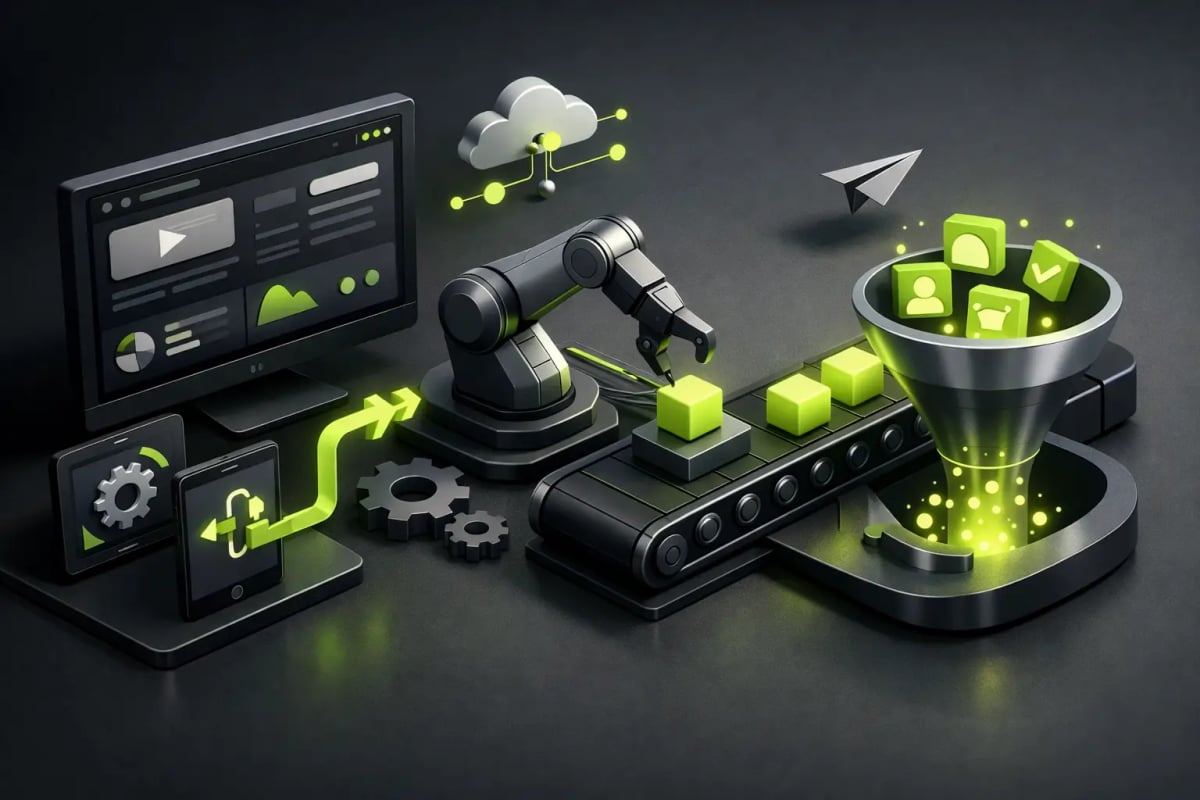
A form that lands in an inbox and gets lost among emails is not a growth strategy. Nor is it to force every interested person to wait hours for a response. Intelligent web automation transforms your site into an asset that detects intent, organizes information, and activates the next step without having your team chase manual processes.
For a brand seeking more leads, bookings, or business inquiries, this changes the game. Your website stops being a static showcase and starts working intelligently: it receives an inquiry, identifies which service is of interest, records the correct data, and directs the opportunity to the right channel. Speed for the user, order for your team, and better conditions for conversion.
What Makes Web Automation Intelligent
Automating is not about adding a generic chatbot that responds the same way to everyone. Automation is intelligent when it is designed around a real business decision: what information needs to be captured, how a contact should be classified, when to follow up, and what experience the person on the other side of the screen expects.
For example, an architecture firm may receive inquiries about residential projects, commercial projects, and renovations. If the form only asks for name, email, and message, someone will have to read each request to understand its priority. With a well-thought-out structure, the site can ask for project type, location, estimated budget, and desired date. From there, it sends the inquiry to the correct person, creates a record in the CRM, and confirms to the prospect what the next step will be.
Intelligence is not about complicating the process. It lies in asking the right questions, connecting the appropriate tools, and eliminating friction without losing the human touch. For some businesses, that will be a confirmed booking. For others, a better-qualified quote or an immediate alert for sales.
From Visit to Follow-Up, Without Blind Spots
The most valuable moment usually occurs right after a person leaves their details. The interest is fresh, and the expectation of a response is high. An automated sequence can send a clear confirmation, share useful information, and notify your team that there is a new opportunity.
It can also prevent very common errors: incomplete data, duplicate leads, inquiries sent to the wrong email, or prospects waiting for a response because no one saw a message over the weekend. It does not replace the sales team, but it provides context so that their time is spent on conversations that can advance.
In businesses with longer sales cycles, automation can classify contacts based on their responses and nurture them with relevant content. Not everyone is ready to buy on the first visit. Insisting with the same message for everyone often wears down the relationship. Instead, a person who downloaded information about a specific service can receive consistent follow-up aligned with that interest.
Intelligent Web Automation for Controlled Growth
A high-performance website should not create more operational work. It should reduce it. Therefore, before selecting tools, it is wise to review the complete user journey: how they discover the brand, which page they visit, what action they take, and what happens next.
A hospitality company, for example, can connect its site to a booking system and send automatic confirmations. A professional services firm can filter inquiries with a dynamic form, schedule meetings, and centralize client information. A course brand can provide a digital resource and segment its contacts based on the topic that interested them.
In each case, the objective is different. Technology must respond to that objective, not the other way around.
The Processes Most Worth Automating
There are automations that generate quick value because they tackle repetitive and time-sensitive tasks. Lead capture and distribution is one of them: when a prospect completes a form, the data can go to the CRM, a control sheet, or the sales team's channel with the necessary tags.
The scheduling process is also often a critical point. Allowing a person to select real availability reduces endless message exchanges and lowers the likelihood of the lead cooling off. In services where prior information matters, the flow can include qualification questions before showing available times.
Confirmations, reminders, and requests for additional information are other good candidates. A timely message helps ensure an appointment occurs, a quote progresses, or a booking is completed. The key is that each communication has utility. Automating irrelevant emails on a large scale is not efficiency; it is noise.
There is also room to automate internal tasks. If the team needs to create proposals, open projects, request documents, or update statuses after a sale, a well-connected flow reduces the dependency on copying and pasting information between platforms.
The Site Design Defines Data Quality
Automation begins before integration. It starts at the interface. A poorly designed form produces poor data, even if it is connected to the best tools. If it asks for too much, people abandon it. If it asks for too little, the team receives inquiries that cannot be prioritized.
The balance depends on the decision you need to make. For an initial contact request, a few fields are sufficient. For a complex quote, asking for context from the start can save several conversations. Conditional fields are especially useful: they show additional questions only when the answer makes them necessary.
Here, UX/UI design has creative and commercial superpowers. Explaining why a piece of data is requested, using clear labels, caring for the mobile version, and displaying a specific confirmation message elevate trust. The person must feel that they are making progress, not just filling out a form.
On platforms like Webflow and Framer, custom design allows for building these journeys without falling into generic interfaces. The site maintains a premium visual identity while integrating with real business processes. This matters because conversion does not solely depend on automation behind the scenes: it relies on the front-end experience being fast, clear, and credible.
AI, SEO, and Automation: A Relationship That Requires Judgment
Artificial intelligence can add speed by classifying inquiries, summarizing requests, proposing initial responses, or detecting patterns in frequently asked questions. However, using AI without rules can create issues of tone, privacy, and accuracy. A convincing but incorrect response is still a bad experience.
The best application combines automation with oversight. You can use AI to organize information and prepare context for your team, while sensitive decisions, complex quotes, and unusual cases maintain human review. For a clinic, a law firm, or a financial service, this boundary is even more important.
It is also wise to separate SEO from automation, even though they complement each other. SEO attracts relevant visits from traditional search engines and AI-driven engines. Automation ensures that those visits have a clear path after arriving. If a page responds to a specific search, its call to action and form should continue that same conversation.
It makes no sense to attract traffic only to send everyone to a generic form. A page about web development can capture launch goals, redesign needs, and timelines. A page about brand identity can ask about the business stage and visual scope. This coherence enhances the experience and provides sales with more useful information.
What to Avoid Before Automating
The most common mistake is automating a process that is not yet defined. If the team does not know who responds to an inquiry, how long it takes, or what data is needed to qualify it, an integration will not resolve the chaos. It will only move it faster.
Privacy must also be safeguarded. Only request the necessary data, clearly explain how it will be used, and limit access to the tools and people involved. Digital trust is built with details: secure forms, expected communications, and responsible handling of information.
Another point is maintenance. Automations need testing, especially when forms, services, teams, or platforms are updated. A flow that worked six months ago may be sending data to the wrong destination without anyone noticing. Defining responsible parties and periodically reviewing the journeys prevents silent losses.
At Flow, the correct approach starts with strategy: designing a visual experience that converts and connecting only the automations that provide measurable value. It is not about filling your website with tools. It is about creating a fast, secure system ready to support your brand's growth.
Your site does not need to look more technological to work better. It needs to understand what should happen when someone shows interest and make that next step easy, immediate, and human.